
GMKtec G3 Ultra
Dual 4K HDMI outputs
16GB LPDDR4 memory
512GB M.2 storage
WiFi 6 connectivity
Discover the best Mini PC with 2 HDMI Ports, with 10 options compared for display support, performance, memory, storage, and connectivity.
A Mini PC with 2 HDMI ports can bring a surprisingly capable desktop to a small workspace, media center, or multi-monitor station. The two independent HDMI outputs make it especially useful for users who want two 4K screens without relying on a larger tower or cumbersome display adapters.
The systems in this guide were compared using their processor performance, included memory and storage, display capabilities, networking, expansion options, and physical practicality. We focused on models that clearly support two HDMI connections while also considering how each machine fits office work, media use, light gaming, and compact professional setups.
Each review explains the strongest reason to choose that particular model, along with its limitations and ideal user. Product configurations and availability can change, and market prices fluctuate, so readers should confirm the current specifications and listing details before making a purchase.
4.5Editor score

This side-by-side comparison highlights the processors, memory, storage, display outputs, and networking features that distinguish each dual-HDMI mini PC and clarifies which use cases each model best serves.




The GEEKOM A5 stands out as the most balanced choice in this guide, combining an eight-core, 16-thread Ryzen 7 7730U with 16GB of RAM and a fast 256GB NVMe SSD. Its 4.5 rating reflects a generally favorable user response, while the inclusion of two HDMI ports makes it immediately relevant to buyers seeking a clean dual-monitor setup.
We may earn a commission when you buy through this link, at no additional cost to you.
Display flexibility is a major strength. The mini PC supports up to four displays through dual HDMI and dual USB-C connections, with the USB-C outputs capable of higher resolutions according to the supplied specifications. Internally, dual-slot DDR4 memory can be expanded to 64GB, and storage can grow to 10TB through NVMe, 2242, and 2.5-inch drive options. That makes the A5 practical for users who may begin with light office duties and later add more demanding projects.
The main compromises are the relatively small base SSD and the absence of the dual 2.5GbE interface found on some network-oriented alternatives. Users with extensive local media libraries should plan on adding storage, while those intending to run advanced firewall or aggregation setups may need to consider a different model. These limitations are reasonable given the processor, memory flexibility, and unusually broad display support.
The A5 is an excellent recommendation for office professionals, remote workers, students, and creative users who want a compact machine capable of handling multiple applications and screens. It also suits anyone who values a conventional 2.5-inch drive bay and replaceable memory. For most buyers, it delivers the strongest combination of processing power, expandability, and multi-display convenience in the group.
Although the two HDMI ports satisfy the core requirement, the additional USB-C display outputs extend the A5 into a more flexible workstation. Users can spread applications across four screens, while the physical 0.6-liter enclosure remains easy to position behind a monitor or beside a multi-display stand.
The supplied 256GB drive is enough for a standard operating system and active applications, but the available internal and external storage paths provide a clear upgrade path. This is a meaningful advantage over compact PCs that rely entirely on soldered memory or a single storage slot.
We may earn a commission when you buy through this link, at no additional cost to you.
This GMKtec M8 configuration is the premium selection in the guide, pairing the six-core, 12-thread Ryzen 5 PRO 6650H with 16GB of 6400 MT/s LPDDR5 memory and a 512GB NVMe SSD. Its integrated Radeon 660M graphics also make it more capable than most basic mini PCs, while the supplied data does not include a numeric customer rating.
We may earn a commission when you buy through this link, at no additional cost to you.
Its strongest premium feature is the broad connection set. Two 2.5GbE Ethernet ports support advanced networking, link aggregation, virtualization, or server-oriented use, while OCuLink allows connection to an external graphics solution. USB4 provides 40Gbps data transfer, charging, and display functionality. For displays, the system can run a three-screen arrangement through HDMI 2.0, DisplayPort 1.4, and USB4 with DisplayPort output.
There are trade-offs to consider. LPDDR5 memory is not user-upgradable, so buyers must be comfortable with the included 16GB. The many network, BIOS, and expansion options may also be unnecessary for a basic browsing or office PC. Nevertheless, the M8's processor, 6400 MT/s memory, dual fast Ethernet, and external GPU pathway provide meaningful advantages for demanding compact workstations.
Choose the M8 for advanced home labs, professional multi-screen work, content creation, or users who want room to connect high-speed networks and peripherals. It is less attractive for buyers who require easily replaceable RAM or a very simple setup, but it offers the most advanced specification mix among the listed dual-HDMI options.
The Ryzen 5 PRO 6650H and Radeon 660M combination is suitable for office workloads, 4K media, mid-range gaming, and more demanding multitasking than entry-level mini PCs. The ability to add an external GPU through OCuLink makes the platform unusually adaptable for a device of this size.
Dual 2.5GbE ports distinguish this model from typical office mini PCs with a single Gigabit Ethernet jack. They can support router, firewall, virtual machine, server, and link-aggregation arrangements, making the M8 particularly appealing to technically inclined buyers.
We may earn a commission when you buy through this link, at no additional cost to you.
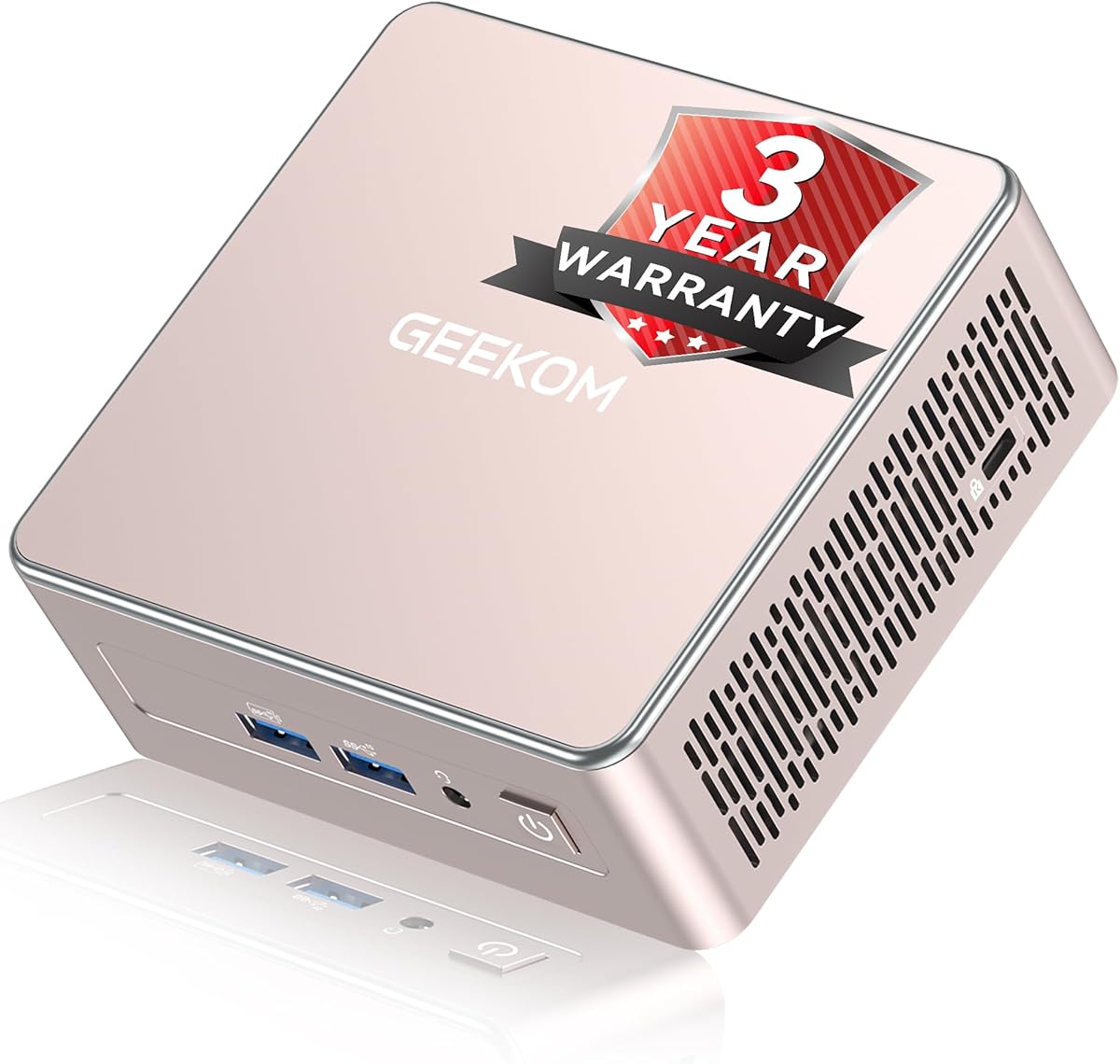
The GMKtec G3 Ultra is a straightforward answer for buyers who specifically want two HDMI ports and a useful set of everyday specifications without paying for a premium workstation platform. It combines a Pentium Gold 7505 processor, 16GB of LPDDR4 memory, and a 512GB M.2 drive, with no numeric rating provided in the source data.
We may earn a commission when you buy through this link, at no additional cost to you.
The dual HDMI 2.0 outputs each support 4K at 60Hz, making the G3 Ultra particularly useful for a two-monitor office, retail display, control room, or media arrangement. Three USB 3.2 Gen2 ports, one USB 2.0 port, a 3.5mm audio jack, 2.5GbE Ethernet, WiFi 6, and Bluetooth 5.2 provide a practical peripheral selection. Storage expansion is possible through a secondary M.2 2280 SATA slot.
Its limitations are important for buyers with demanding workloads. The processor is better suited to browsing, office applications, video playback, and light photo work than intensive 3D tasks or heavy gaming, while the LPDDR4 memory cannot be replaced. It also has only one wired Ethernet port. Those constraints keep the design focused on general-purpose productivity rather than advanced network infrastructure.
The G3 Ultra is recommended for budget-conscious home-office users, students, reception desks, digital signage, and anyone who wants two native 4K HDMI connections in a small enclosure. It offers one of the cleanest matches to the requested feature set, with enough memory and storage to serve as a dependable everyday desktop.
The dedicated HDMI 2.0 ports are the centerpiece of this model. Connecting two 4K monitors simultaneously is simple, and Intel UHD graphics with AV1 decoding supports modern high-resolution media playback for entertainment and productivity.
Wake-on-LAN, PXE boot, RTC wake, and auto power on make the G3 Ultra practical for kiosks, office systems, and lightweight server roles. These remote and automated functions add value beyond ordinary desktop use.
We may earn a commission when you buy through this link, at no additional cost to you.
The KAMRUI AK1PLUS carries a 4.4 rating and focuses on a combination that many office buyers understand immediately: 16GB of memory, a 256GB SSD, and two HDMI 2.0 ports capable of driving two 4K displays. Its Intel Celeron N5095 has four cores and four threads with a maximum clock of 2.9GHz.
We may earn a commission when you buy through this link, at no additional cost to you.
The machine handles browsing, email, video conferencing, online classes, and routine office applications, and its expandable storage is a major advantage. It supports an M.2 SATA or NVMe drive up to 2TB and a separate 2.5-inch SATA drive up to 2TB, allowing as much as 4TB of combined storage. Four USB 3.2 ports, Gigabit Ethernet, and a 3.5mm audio jack make it straightforward to connect standard office peripherals.
The processor is the main constraint. Compared with the Ryzen 5, Ryzen 7, and Ryzen PRO choices in this list, it offers less headroom for demanding applications, video editing, and gaming. The system is therefore better viewed as a productive office, study, kiosk, or digital-signage machine than a compact workstation. Its compact size, efficient cooling, and automatic power features help offset those limits in fixed-purpose installations.
This AK1PLUS is a strong recommendation for buyers who need two 4K monitors and plenty of storage but do not need gaming-class graphics. It is especially useful for file-heavy offices, study desks, and small business systems where multiple displays and storage matter more than maximum processing speed.
The separate M.2 and 2.5-inch expansion options are unusually flexible for a compact office computer. Users can add a second internal drive, create additional project space, or keep media and backups on separate physical devices.
Two simultaneous 4K outputs make the AK1PLUS suitable for pairing a primary work display with a secondary reference screen. The layout can support documents, messaging, meetings, and research without requiring constant application switching.
We may earn a commission when you buy through this link, at no additional cost to you.
The Getorli Mini PC combines an AMD Ryzen 5 3501U processor with 16GB of DDR4 memory and a 512GB NVMe SSD. It has no numeric customer rating in the supplied information, but its feature list is clearly aimed at home-office users, media viewers, and buyers who want two 4K screens in a compact enclosure.
We may earn a commission when you buy through this link, at no additional cost to you.
The four-core, eight-thread processor reaches up to 3.7GHz and handles daily computing, browsing, business applications, and media streaming well for its class. DDR4 memory can be expanded to 32GB, which is useful for maintaining multiple applications and browser tabs. WiFi 6 and Bluetooth 5.3 provide current wireless connectivity, while two USB 3.0 ports, two USB 2.0 ports, and two full-featured USB Type-C ports offer useful flexibility.
Its main limitation is the age and position of the processor platform. Although more capable than many entry-level Intel N-series alternatives, it is not designed for modern high-end games, intensive 3D rendering, or demanding professional workloads. The preinstalled operating system is convenient, but buyers should still verify included software and licensing details against the current listing.
The Getorli is best for dual-monitor productivity, video playback, online learning, and light home-office use. It makes more sense for a user who values 16GB of memory, 512GB of fast storage, and simple display connections than for someone who needs modern gaming or extensive professional compute power.
Dual 4K HDMI outputs make it convenient to connect a large television or monitor alongside a computer display. The NVMe drive supports fast loading, while the processor and 16GB of memory are sufficient for streaming, browsing, and ordinary productivity applications.
WiFi 6 and Bluetooth 5.3 allow peripherals and network access without occupying USB ports. This is particularly helpful in a small entertainment or office installation where cable management and desk space are priorities.
We may earn a commission when you buy through this link, at no additional cost to you.
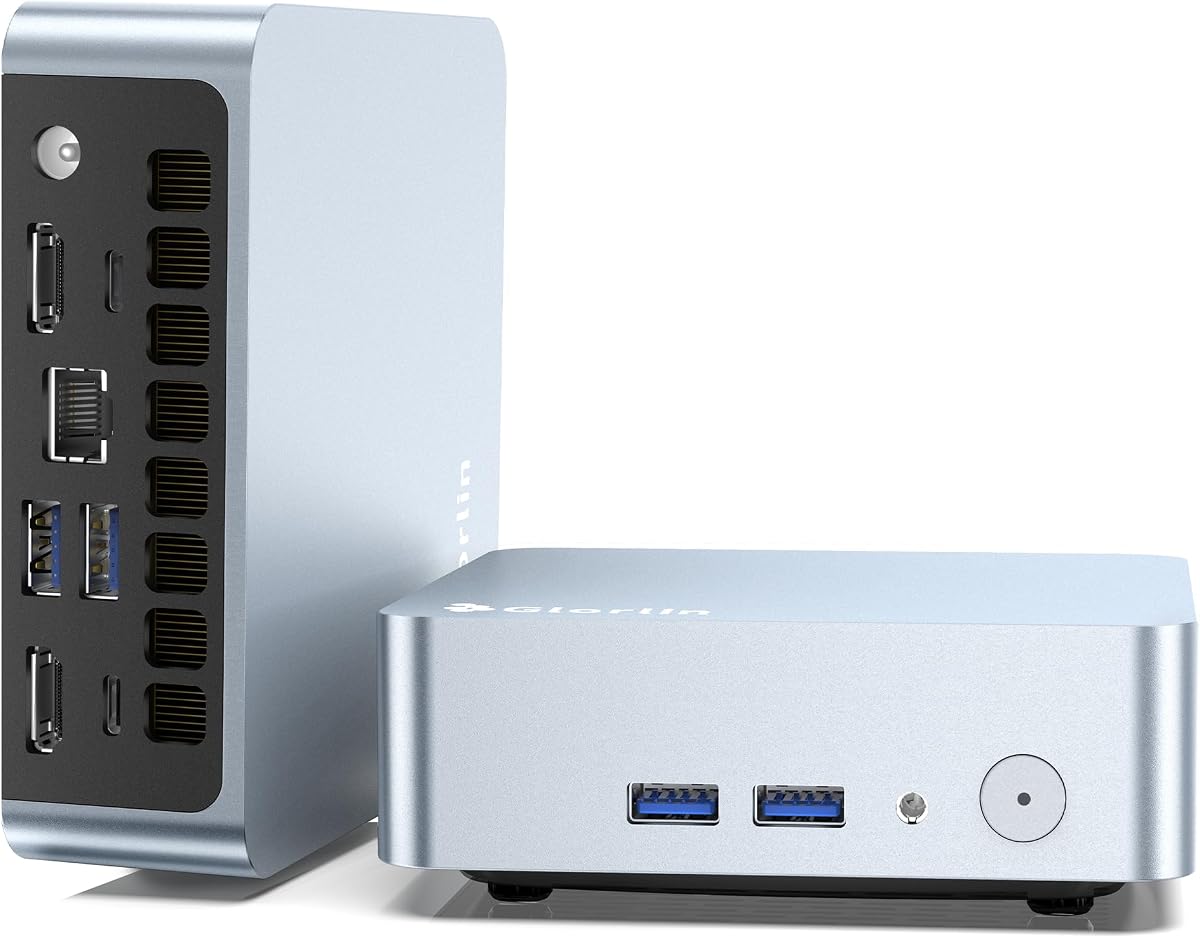
The Glorlin Mini PC pairs a Ryzen 5 3500U processor with 8GB of expandable DDR4 memory and a 256GB NVMe SSD. It supports two HDMI ports plus a full-function USB-C connection capable of display, data, and power delivery, creating a three-screen option for compact professional setups.
We may earn a commission when you buy through this link, at no additional cost to you.
The 3500U offers four cores and eight threads with speeds up to 3.7GHz, giving it more processing capability than basic Celeron N-series systems. It is suitable for office work, browsing, media streaming, and light gaming, while the expandable memory helps prevent the included 8GB from becoming a long-term bottleneck. WiFi 6 and Bluetooth 5.3 round out the modern connectivity features.
The included 256GB drive is the most obvious constraint. A current operating system, browser, communications suite, and work applications can occupy a meaningful portion of that capacity, making an immediate storage upgrade advisable for many users. The machine also lacks the advanced networking, OCuLink, and USB4 features found in the premium alternatives. None of that diminishes its value if the intended role is a small, quiet dual- or triple-display desktop.
The Glorlin is a good match for budget-conscious buyers who need more CPU capability than a basic media stick but still want native HDMI connectivity and a compact form. It is particularly useful for traders, analysts, students, and office users who value a third display more than premium performance.
The two HDMI outputs are joined by a USB-C port with DisplayPort and Power Delivery functions. That gives users a practical way to build a three-monitor workstation without moving to a much larger desktop computer.
Although the system begins with 8GB, the DDR4 memory can be expanded to 32GB according to the supplied specifications. Upgrading can make sustained multitasking, heavy browser use, and productivity applications feel more comfortable.
We may earn a commission when you buy through this link, at no additional cost to you.
The GMKtec G10 distinguishes itself with a generous 1TB SSD and 16GB of DDR4 memory, making it the most storage-forward option in this comparison. Its 4.2 rating remains favorable, and the Ryzen 5 3500U gives the system adequate performance for office productivity, media work, and light gaming.
We may earn a commission when you buy through this link, at no additional cost to you.
Memory can be expanded to 64GB, while dual M.2 2280 PCIe 3.0 positions support a stated combined capacity of 16TB when populated with compatible drives. Display connections include HDMI 2.1, DisplayPort, and a full-function USB-C port, allowing up to three screens. A 2.5GbE Ethernet connection also provides faster wired networking than a conventional Gigabit port.
The processor and Radeon Vega 8 graphics are not contemporary high-performance components, so demanding games and intensive creative workloads should be approached carefully. Wireless connectivity is also less advanced than on several competitors, with WiFi 5 and Bluetooth 5.0 listed. Despite those limitations, the substantial storage and memory are meaningful advantages for users who keep large project files, media libraries, or virtual-machine images locally.
The G10 is best for creative professionals, students, home labs, and media-focused users who want multiple displays and ample storage in a small form factor. It is less compelling for buyers seeking the newest wireless standard or high-end integrated graphics, but its capacity makes it a strong all-round compact desktop.
A 1TB starting point is unusually generous for a mini PC and reduces the urgency of an immediate storage upgrade. Dual M.2 positions and support for larger compatible drives provide additional room as media and working datasets grow.
HDMI, DisplayPort, and USB-C provide several ways to configure a multi-monitor workspace. The additional connectors make the G10 useful for users who need more than the two HDMI ports required by this guide.
We may earn a commission when you buy through this link, at no additional cost to you.
The BOSGAME E5 holds a 4.6 rating, the highest numeric score among the listed products, and combines a Ryzen 3 5300U processor with 8GB of DDR4 memory and a 256GB M.2 SATA SSD. Although it has only one HDMI port, its USB-C display output allows it to function as a dual-HDMI-capable alternative through a suitable adapter or dock.
We may earn a commission when you buy through this link, at no additional cost to you.
Its standout feature is dual Realtek RTL8125 2.5GbE networking. That gives the E5 a clear role in home server, pfSense or OPNsense firewall, virtual machine, and high-speed NAS projects. Memory can be upgraded to 64GB through dual SODIMM slots, and a second M.2 2280 PCIe 3.0 position allows storage expansion without replacing the original drive.
For displays, the system supports up to three independent 4K at 60Hz screens through HDMI, DisplayPort, and the full-function front USB-C port. This creates more flexibility than the two native HDMI ports alone would suggest. The included 8GB is modest for heavy multitasking, however, and the Ryzen 5300U is aimed at standard office workflows and network applications rather than professional 3D rendering or intensive gaming.
The E5 is an excellent recommendation for technically experienced users seeking a compact network appliance or an unusual dual-HDMI setup. It also works well for general office duties when its networking potential is not required. Buyers who need two physical HDMI sockets without an adapter should instead choose one of the models with dual HDMI ports built in.
Two 2.5GbE ports provide a significant advantage for firewall, virtualization, and NAS use. The system can therefore serve as more than a simple terminal while remaining small enough for a home office or network cabinet.
Two SODIMM slots and two M.2 drive positions make the E5 adaptable despite its modest base configuration. A buyer can add memory and secondary storage gradually rather than replacing the complete system.
We may earn a commission when you buy through this link, at no additional cost to you.
This GMKtec M8 listing centers on the Ryzen 5 PRO 6650H, 16GB of 6400 MT/s LPDDR5 memory, and a 512GB NVMe SSD. The six-core, 12-thread processor reaches up to 4.5GHz, and the integrated Radeon 660M offers substantially stronger graphics than the entry-level and older Ryzen systems elsewhere in the list.
We may earn a commission when you buy through this link, at no additional cost to you.
It supports up to three displays through HDMI 2.0, DisplayPort 1.4, and USB4 with DisplayPort functionality. OCuLink provides a direct route to an external graphics adapter, allowing the system to move beyond the limits of integrated graphics for compatible workloads. Dual 2.5GbE ports, WiFi 6E, VRAM allocation, auto power on, and Wake-on-LAN make it suitable for advanced desks and small servers.
The main limitation is fixed LPDDR5 memory. While its speed and capacity are ample at launch, users cannot add RAM later, so workloads that may eventually exceed 16GB should be considered carefully. The advanced interfaces also demand more technical understanding than a simple office mini PC. Nevertheless, the cooling system, selectable power modes, and strong integrated graphics create a capable platform without requiring a full-size desktop immediately.
This M8 is a good recommendation for users who want strong graphics, multiple screens, fast networking, and the option of an external GPU. It suits compact professional studios, trading stations, technical workstations, and advanced home labs more than basic browsing or inexpensive office replacement.
The Radeon 660M is the defining feature for media and light creative workloads. It is better suited to high-resolution playback, mainstream games, and 4K-focused projects than the older Vega and basic Intel graphics found in several competing configurations.
Quiet, Balanced, and Performance modes let users prioritize noise reduction, general efficiency, or available processing power. That flexibility is valuable in an office where the system may sit close to the user during the workday.
We may earn a commission when you buy through this link, at no additional cost to you.
The GMKtec G11 combines a Ryzen Embedded R2514 processor, dual-channel 16GB DDR4 memory, and a 256GB PCIe M.2 SSD. Its 4.4 rating indicates a favorable reception, and the processor is designed and validated for continuous operation in business, industrial, and professional environments where dependable uptime matters.
We may earn a commission when you buy through this link, at no additional cost to you.
Its dual HDMI 2.0 ports each support 4K at 60Hz, with a USB-C DisplayPort output enabling a third screen. Radeon graphics operating at 1.2GHz provide H.265 or HEVC encoding and support for modern APIs, making the G11 particularly appropriate for digital signage, industrial human-machine interfaces, monitoring stations, and multimedia systems.
Networking is another major strength. Two 2.5GbE Ethernet ports suit firewall, router, NAS, virtual machine, VPN, camera, and isolated IoT network roles. The R2514's eight-thread, four-core design focuses on consistency and efficiency rather than maximum peak speed, so heavily threaded consumer applications may not match the newest desktop chips. The base drive is also small, making immediate storage planning sensible for media-heavy installations.
The G11 is a strong recommendation for always-on office systems, control rooms, signage, edge-computing projects, and technically supervised deployments. It is less suited to buyers seeking maximum gaming performance or a large built-in storage library. For those who value stable continuous operation and extensive connectivity, it is a distinctive and capable compact system.
The Ryzen Embedded R2514 platform is explicitly designed for sustained workloads. That focus makes the G11 relevant to offices, industrial environments, and digital signage applications where predictable 24/7 operation is more important than short-lived benchmark peaks.
Two native 4K HDMI outputs remove the need for display adapters in a common two-screen installation. The two 2.5GbE network ports simultaneously provide substantial flexibility for server, firewall, and virtualized networking tasks.
We may earn a commission when you buy through this link, at no additional cost to you.
The best Mini PC with 2 HDMI ports is not determined by display outputs alone. Processor performance, memory, storage, networking, cooling, and intended use all shape the experience, so buyers should match the machine to their workload before comparing models.
For the most convenient setup, prioritize two native HDMI ports and confirm the supported resolution and refresh rate for each display. Two 4K at 60Hz outputs are sufficient for most office and media applications.
Choose a current higher-tier processor for heavy multitasking, gaming, video editing, or virtualization. For browsing and document work, a lower-tier model with enough memory can be the more sensible choice.
Check whether memory is included and upgradeable. If it is fixed, make sure the supplied capacity meets your long-term needs rather than assuming more can be added later.
Choose a larger base drive for media-heavy use and verify the maximum capacity of each expansion slot. Do not assume that every M.2 connector supports every SSD interface.
Verify native 4K support for both screens when using high-resolution monitors. For gaming, also consider refresh rate, color output, and whether the GPU can handle the desired graphics settings.
Match the network ports and wireless standard to your environment. A dual-NIC model is compelling for technical users, while a single Gigabit port may be entirely adequate for a standard office.
Avoid placing the mini PC inside a closed cabinet unless adequate airflow is guaranteed. A ventilated desk position and sensible power settings can reduce heat and acoustic impact during extended use.
List your existing monitors, keyboard, mouse, network equipment, and audio devices before buying. Confirm that the enclosure has the correct ports and that your required software is compatible with the installed system.
Begin by placing the mini PC on a stable, hard surface with open space around its vents. Connect the power supply first, followed by the displays, keyboard, mouse, network cable, and other peripherals. Once the operating system is visible, configure networking and display resolution for each monitor, then select the primary display and preferred extension or duplication mode.
Install only the applications and updates needed for your work, and keep at least a reasonable amount of free storage available. For a machine used continuously, schedule restarts and occasional cleanups, verify that ventilation openings remain unobstructed, and use a power strip with surge protection where appropriate. USB peripherals should be connected directly whenever possible.
When moving the system, shut it down fully and allow it to cool before handling. Avoid placing it inside a sealed drawer, and do not block the cooling fan or vents. If display output becomes unstable, test each HDMI cable and monitor separately, then check the current display configuration and driver support in the operating system.
Yes, if its specifications confirm simultaneous 4K output at 60Hz on both HDMI connections. Most models in this guide support that resolution, but the operating system must also recognize both displays. Appropriate cables and compatible monitor inputs are required, and some demanding graphics tasks may need the additional processing power of a higher-tier processor.
Not if the mini PC has two physical HDMI ports, as the KAMRUI AK1PLUS, GMKtec G3 Ultra, Getorli, Glorlin, and GMKtec G11 do. A system with one HDMI and one USB-C display output can also operate two screens, but it may require a suitable USB-C-to-HDMI adapter or cable. Check the exact USB-C capabilities listed for that model.
Eight gigabytes can support basic office work, browsing, and media, but it is less comfortable for many browser tabs, video meetings, and multiple applications. Sixteen gigabytes is a more practical minimum for a new productivity system. Models with replaceable memory allow users to start with the included configuration and upgrade without replacing the entire computer.
The Ryzen 5, Ryzen 7, and Ryzen PRO 6650H models offer the best gaming prospects because their newer integrated graphics have more capability than basic Intel or older Vega graphics. They are still compact PCs rather than dedicated gaming desktops, so demanding games may require lower settings. The GMKtec M8 also offers OCuLink for compatible external graphics solutions.
Two 2.5GbE ports can provide faster transfers than Gigabit Ethernet and offer additional network architecture options. Depending on the software and configuration, they may support firewall, VPN, router, NAS, virtual machine, or link-aggregation roles. They are especially useful for technically inclined users, while ordinary office users can usually rely on one Ethernet port plus WiFi.
Yes. Small enclosures concentrate heat, and active cooling systems need room to draw in and expel air. Keep the vents unobstructed, avoid sealed furniture, and place the system on a hard surface. Sustained workloads are best handled with the available performance or balanced power modes and adequate clearance around the enclosure.
A 256GB drive is workable for a lightweight system but can become crowded after installing an operating system, applications, and updates. A 512GB drive offers a better balance for general productivity, while 1TB is preferable for media libraries and large project files. Buyers should also check available M.2 and 2.5-inch expansion positions.
The GEEKOM A5 is the strongest all-around recommendation, combining a capable Ryzen 7 7730U, 16GB of expandable memory, broad storage options, and support for up to four displays. The GMKtec G3 Ultra delivers the most focused budget solution with two native 4K HDMI outputs, 16GB of memory, and a 512GB drive, while the premium GMKtec M8 adds stronger graphics and advanced networking.
Prioritize the features that will affect daily use rather than processor marketing alone. Native dual HDMI, adequate memory, sufficient storage, correct ports, and a form factor that suits the intended desk are most important. Users planning intensive graphics, virtual machines, or network services should pay closer attention to Radeon graphics, dual 2.5GbE, OCuLink, cooling modes, and memory limitations.
Finally, verify the current listing, included operating system, component configuration, and display support before ordering. Hardware specifications and market prices can change over time, so the current seller page remains the most reliable source for availability and final configuration details.